
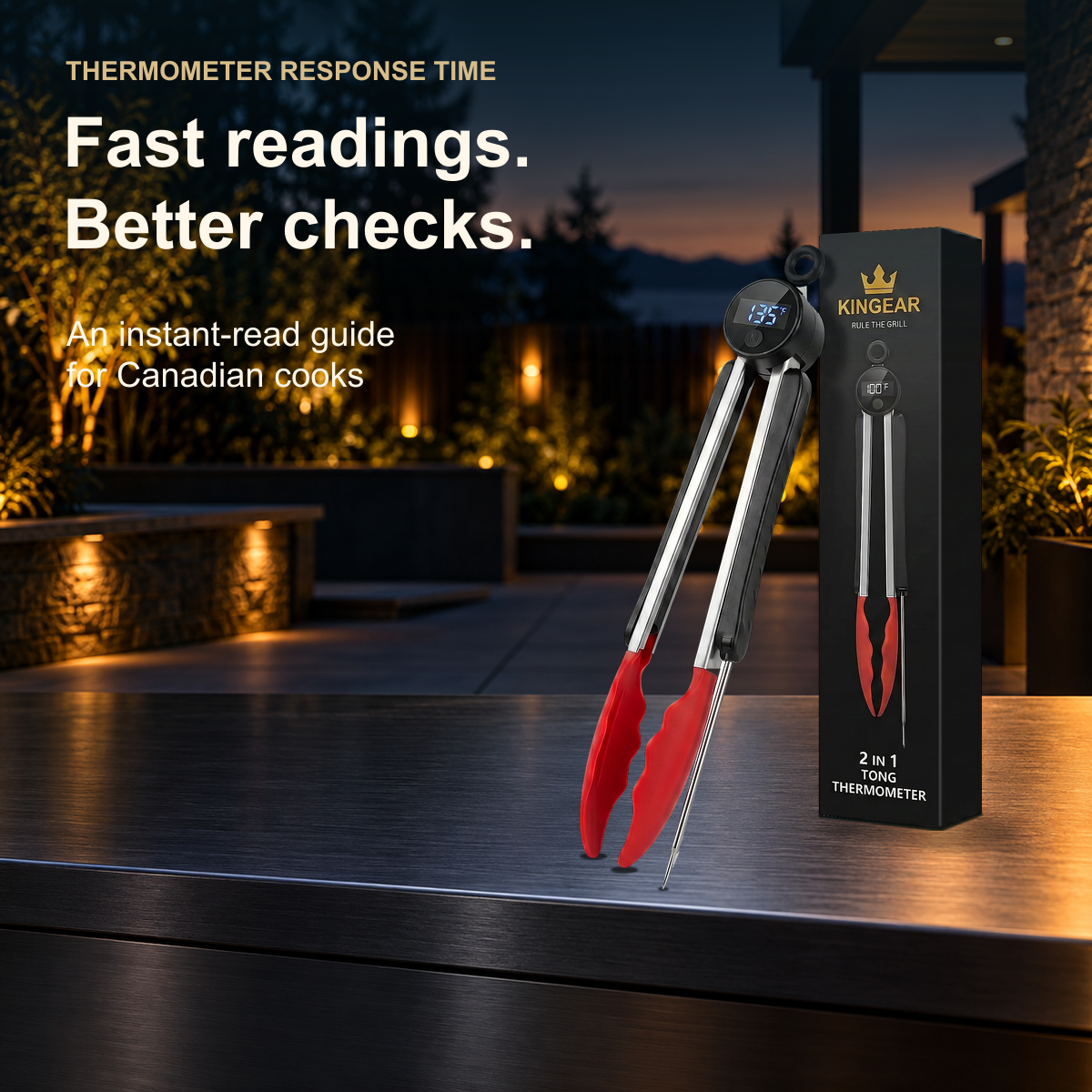
Illustrative patio scene using an official product photograph. Display and packaging numbers are source artwork, not cooking-temperature recommendations or a live measurement.
A meat thermometer's response time tells you how quickly it responds to a temperature change under the stated conditions. A shorter response can make checking several portions less awkward, especially when you're also turning food. You still need to place the sensing area correctly, wait for a usable reading and compare it with the Canadian guidance for that food. A fast display doesn't make food cook faster or establish that it's safe.
For a Canadian home cook choosing an instant-read thermometer, the useful question is what happens between picking up the tool and deciding whether a particular portion needs more cooking. The number of seconds on the box describes only part of that job.
What response time tells you, and what it leaves out
When you put a probe into food, its sensor needs time to respond to the temperature around it. The first number you see may belong to that transition. Removing the probe as soon as the display changes can cut the measurement short.
Three specifications answer different questions:
| Specification | Question it answers | What it doesn't establish |
|---|---|---|
| Response time | How quickly does the instrument respond under the stated conditions? | Whether you've reached the right part of the food |
| Display update rate | How often does the displayed number refresh? | Whether the sensor has finished responding |
| Accuracy specification | How closely should the result agree with a reference within stated limits? | How long you should wait in a particular piece of food |
A screen can refresh quickly while the sensor is still catching up. An instrument can also respond promptly without having the accuracy documentation you need. Read each specification separately.

ThermoWorks' explanation of how to compare thermometer speed distinguishes screen updates, response claims and test conditions. It's a thermometer manufacturer's technical explanation, not an independent comparison of every product. It supports a sensible buying habit: ask what the advertised time measures before comparing two numbers.
A changing number doesn't always mean the tool is faulty
Suppose you insert a probe and watch the number climb. It may still be responding to the food. If you then move it, you've also changed the location you're measuring. Continuing to move while waiting makes those two effects difficult to separate.
Pause in the intended location and follow the model's instructions. Then, if another location needs checking, make that a separate measurement. Repeatedly darting in and out gives you several incomplete attempts rather than a clearer answer.
Food itself can also change temperature while you measure it. ThermoWorks discusses this in its general thermometer questions: a changing reading in food can reflect a changing temperature, and a display doesn't necessarily lock unless the instrument has a hold feature. That explanation doesn't diagnose every fluctuating thermometer. Persistent erratic behaviour still deserves attention.
There's another distinction when you compare two spots. A thicker section and a thinner edge are different measurement locations, even if both belong to the same portion. The food-temperature FAQ from ThermoWorks explains that temperatures can differ across food. Don't average two readings simply to arrive at a more reassuring number.
If you need a hold button to read the screen away from the heat, check the instructions before using it. Holding a number stores a reading; it doesn't improve an unfinished measurement. A frozen screen can look wonderfully decisive while telling you about the wrong moment.
Put speed to work during a mixed-food barbecue
Picture a hypothetical supper with chicken pieces and beef burgers sharing the barbecue. You have a plate for cooked food, utensils to manage and several portions that didn't start out the same thickness. The useful benefit of a responsive thermometer is making the checking sequence easier to carry out. It doesn't turn that assortment into one uniform batch.
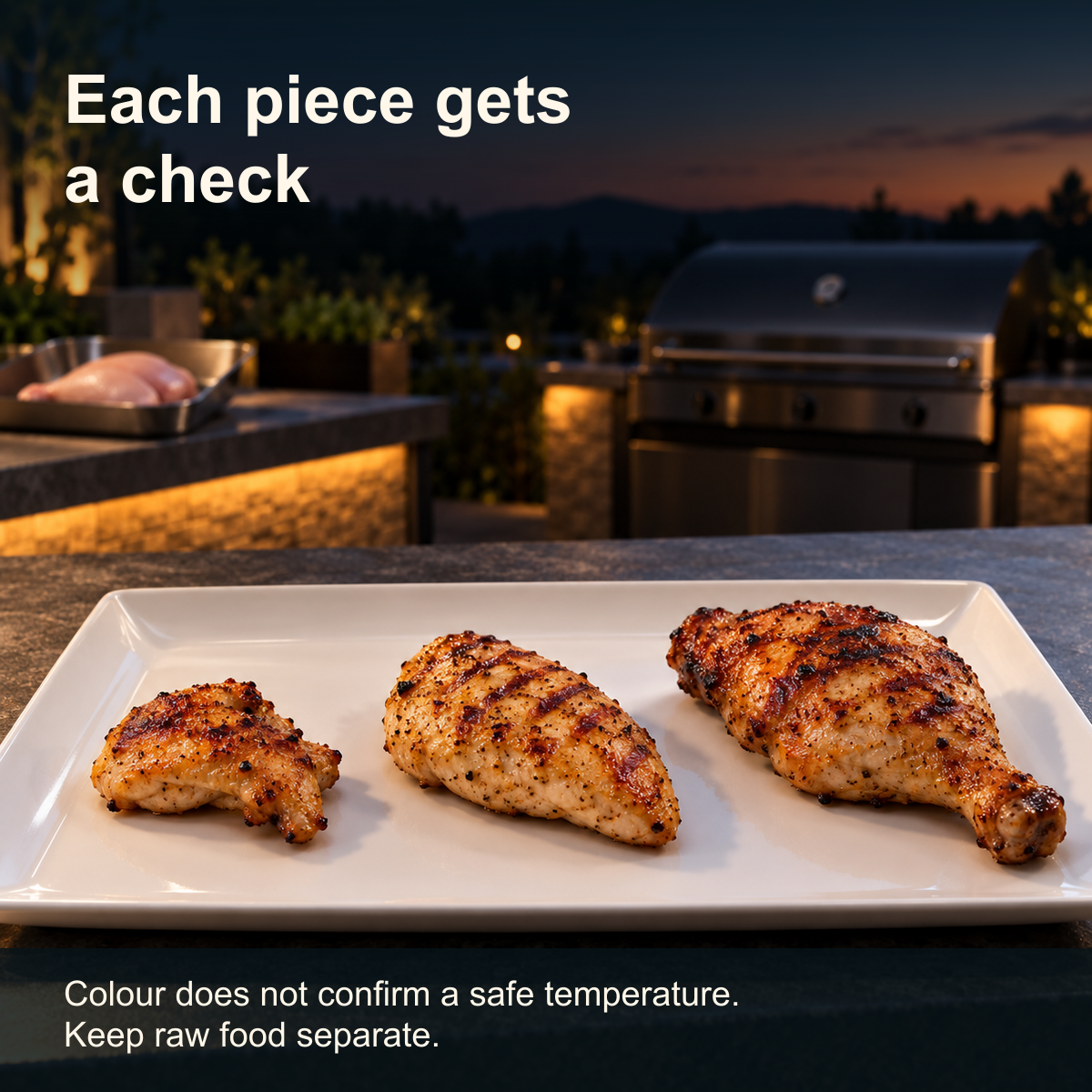
Before cooking, identify the target for each food. Health Canada lists 74°C for poultry pieces and 71°C for ground beef, while a whole bird has a different target. These are cooking-temperature decisions, separate from the seconds a thermometer needs. Use Health Canada's current cooking-temperature guidance rather than borrowing a doneness chart from another country.
Set out the clean plate before you start checking. Decide which portion you're measuring first and where it will go if it needs more cooking. That small bit of organisation gives you room to read the tool instead of juggling a plate while looking over the grill.
Check one portion, let the reading become usable and compare it with the target for that food. Return a portion that needs more cooking to the cooking area, keeping it separate from food ready to serve. Check the other pieces individually rather than treating the first result as a batch certificate.
Health Canada specifically advises checking each piece separately. Its thermometer guidance also covers reaching the middle of the thickest part and approaching a burger from the side. The Canadian grill-temperature guide brings those targets and placement reminders together if you want a reference beside the barbecue.
Cleaning belongs in the sequence, too. Health Canada advises cleaning the thermometer in warm, soapy water before use and thoroughly washing utensils that have handled raw food before reusing them. Follow the instrument's care instructions for its electronics. Saving a little measurement time is no reason to carry raw-food juices to a clean plate.
You don't need to race between portions. A useful routine leaves enough attention for the reading, the identity of the portion and the next action. If you lose track of which piece you checked, check it again properly.
How to compare fast meat thermometers before buying
Start with your cooking habits. If you make a few separate checks during a weeknight meal, a straightforward spot-checking tool may suit you. If you want temperature information throughout a long cook without repeatedly approaching the food, investigate a thermometer specifically designed for continuous monitoring. A rapid response doesn't make a handheld tool suitable for staying inside a closed grill.
When a product page leads with seconds, look for the conditions behind them. Was the starting temperature stated? What was the test medium? What counted as the endpoint: an initial response, a result within a specified tolerance or something else? Those questions help you understand the claim; a missing answer isn't permission to assume the most favourable interpretation.
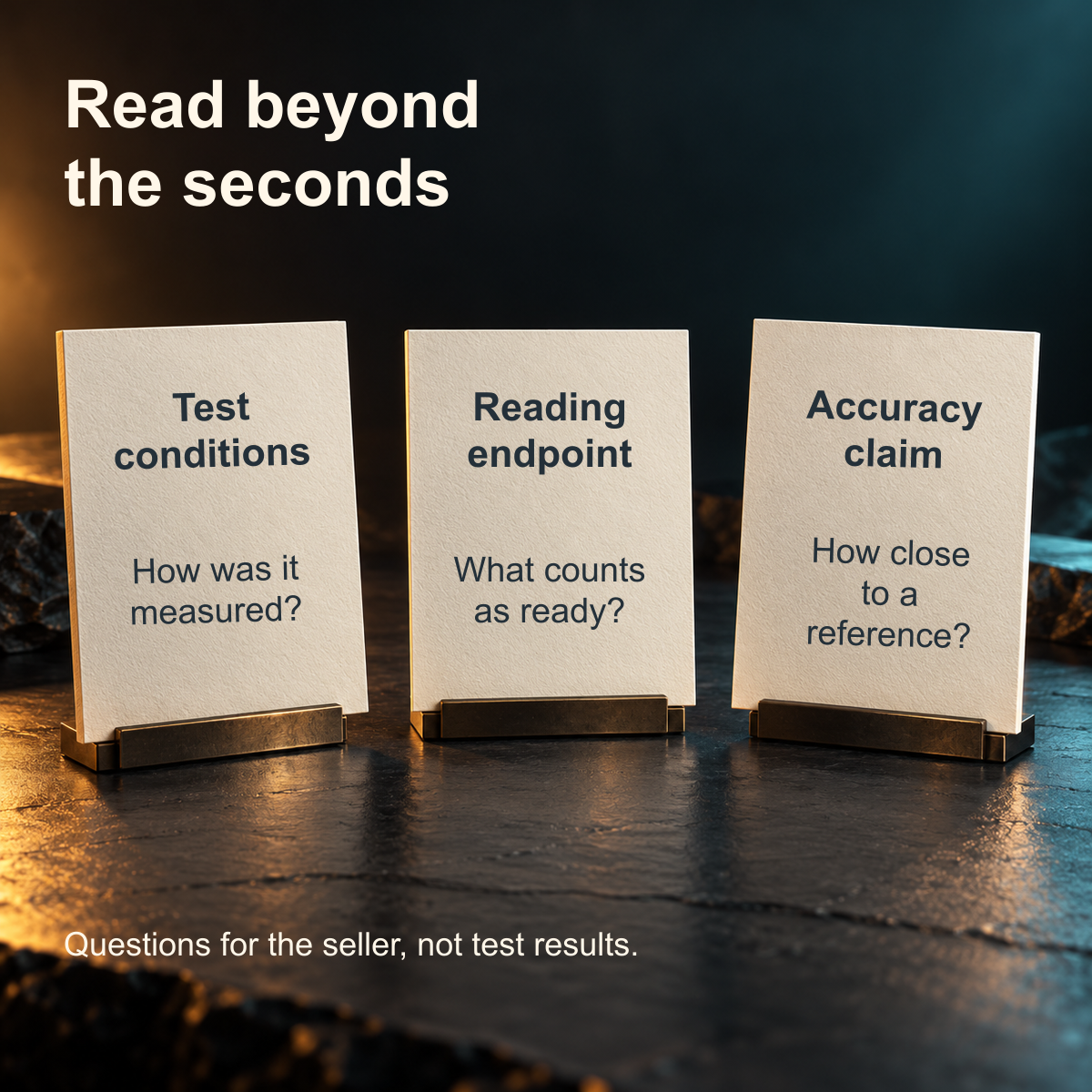
Some technical specifications use a time constant, while consumer descriptions may refer to reaching a fuller reading. Testo Sensor's response-time explanation describes percentage-based endpoints and the importance of comparing measurements in the same medium. If the wording isn't clear, ask the manufacturer to explain it in ordinary language. You shouldn't have to guess whether two products use the same definition.
Read accuracy information separately, including the temperature range to which it applies. Extra decimal places are a display choice; they aren't, by themselves, evidence of tighter accuracy, as ThermoWorks explains in its guide to resolution. Ask where the sensing area is and how much of the probe must contact food. That matters when your usual meal involves thinner portions rather than a large roast.
Next consider whether you can actually read the screen in your normal position. A quick response has limited practical value if you must reposition the instrument before you can see it. Look at the documented display arrangement, grip and operating instructions. A product photograph can show the layout, but it can't prove how comfortable you'll find it.
If your existing thermometer works reliably and the waiting doesn't interrupt your cooking, a smaller advertised number alone may be a weak reason to replace it. If awkward tool changes repeatedly get in the way, compare the whole handling sequence. Buying for a specific inconvenience gives you a clearer decision than buying the smallest number.
Try describing that inconvenience before shopping. Perhaps you put down the tongs to find the thermometer, then discover the display faces away from you. Or perhaps you already have a convenient spot checker but need to monitor a roast over time. Those are different problems, and the same purchase won't necessarily solve both.
Write down the task you want the new tool to handle, along with the care routine you're prepared to follow. Then read the manual or ask the seller whether the exact model supports that task. This is a practical way to narrow the options without pretending to conduct a performance test at home. It also makes it easier to decline features you won't use. A tool that fits a familiar cooking sequence can be a more sensible purchase than one chosen for an impressive specification you haven't been able to interpret.
For example, the Canadian ThermoTongs product page describes tongs with an integrated temperature probe and a published response of 1 to 2 seconds. It also instructs the user to wait for the reading to stabilise and identifies the tool as an instant-read spot checker. Those statements support considering the combined gripping-and-checking workflow. They don't establish an independently measured advantage over another thermometer.
The published response figure also doesn't supply a numeric accuracy tolerance. If a particular tolerance is essential to your purchase, obtain documentation for that exact model rather than treating its speed claim as a substitute. Choose the tool only when its documented uses fit the checks you intend to make.
When a reading needs another look
If a result seems implausible, pause the serving decision. Confirm the unit on the display, revisit the sensing location and allow the instrument to respond according to its instructions. Don't compensate by choosing whichever reading happens to suit your dinner schedule.
Two thermometers disagreeing over a barbecue doesn't establish which one is correct. They might have sampled different locations or been read at different times. Before calling that an accuracy comparison, you need a suitable reference and a controlled procedure. A moving piece of food isn't a fixed reference temperature.
A manufacturer's recommended accuracy check can be useful, but follow the method for your instrument. A casual glass containing a few ice cubes isn't automatically a reference bath. Nor does an accuracy check at one temperature independently prove response speed, performance across the full cooking range or any certification.
Food Standards Australia New Zealand advises waiting for a thermometer reading to stabilise and asking the supplier about accuracy checks. That is useful general measurement advice; its Australian food rules aren't the Canadian cooking targets used here. Follow your model's instructions and Canadian food-safety guidance for the meal itself.
If you're contacting support, describe the observable issue: whether the display powers on, which unit it shows, whether the number keeps rising in one location, and which instructed check you've tried. Include the model and explain any drop or heat exposure truthfully. That gives support something more useful than "it seems slow" without inventing a diagnosis.
For ThermoTongs, the Canadian product-support page covers use and care. Its instructions don't permit assuming immersion or dishwasher compatibility. Ask about the appropriate checking procedure instead of washing the whole instrument to solve a suspected measurement problem.
Questions about fast temperature readings
Does instant-read mean I can remove the probe immediately?
No. Instant-read describes a spot-checking tool, not a zero-wait measurement. Place the sensing area as instructed and wait for a usable reading. The model's response statement and operating instructions should guide you; the first changing number may still be part of the response.
Is a faster meat thermometer always more accurate?
No. Response time and accuracy describe different properties. Compare the stated accuracy and its applicable range separately from speed. A quicker screen refresh or an extra decimal place doesn't establish that the result is closer to a reference temperature.
Why does the reading change when I move the probe?
Moving the probe can change the location being measured, and food can have different temperatures in different places. The sensor also needs time to respond after a change. Pause in the intended location before interpreting the reading, then treat another spot as a separate check.
Should I wait exactly two seconds with every thermometer?
No. Follow the instructions for your exact model. An advertised response depends on how the manufacturer defines and measures it. ThermoTongs publishes 1 to 2 seconds, but also instructs users to wait for a stable reading. That number isn't a universal timer for other instruments.
Can I leave a fast thermometer in the barbecue?
Only if that exact model is expressly designed for it. An instant-read spot checker and a leave-in monitoring thermometer have different jobs. ThermoTongs is a spot-checking tool: take the measurement and remove it rather than leaving it in food during cooking.
Does a quick reading change Canadian safe cooking temperatures?
No. Response speed changes how quickly you obtain information, not the target for the food. Use current Health Canada guidance for the particular food and preparation. A temperature displayed quickly still needs a valid measurement location and the correct Canadian reference.
Before the next cook
Read your thermometer's instructions while the kitchen is quiet. Find its response wording, identify the sensing area and set out a clean place for food that's ready. At the barbecue, check the next portion deliberately, read it properly and decide whether that piece needs more cooking. That's where a responsive tool earns its place.
Sources
- Health Canada: Safe cooking temperatures
- ThermoWorks: Thermometer speed and comparing instruments
- ThermoWorks: General questions about thermometers
- ThermoWorks: Food temperature FAQs
- Testo Sensor: Response time of temperature probes
- ThermoWorks: Resolution
- Food Standards Australia New Zealand: Food temperature and thermometers


